
NEXUS LIVE / CONNECTED TRAINING
Different locations.
One shared classroom.
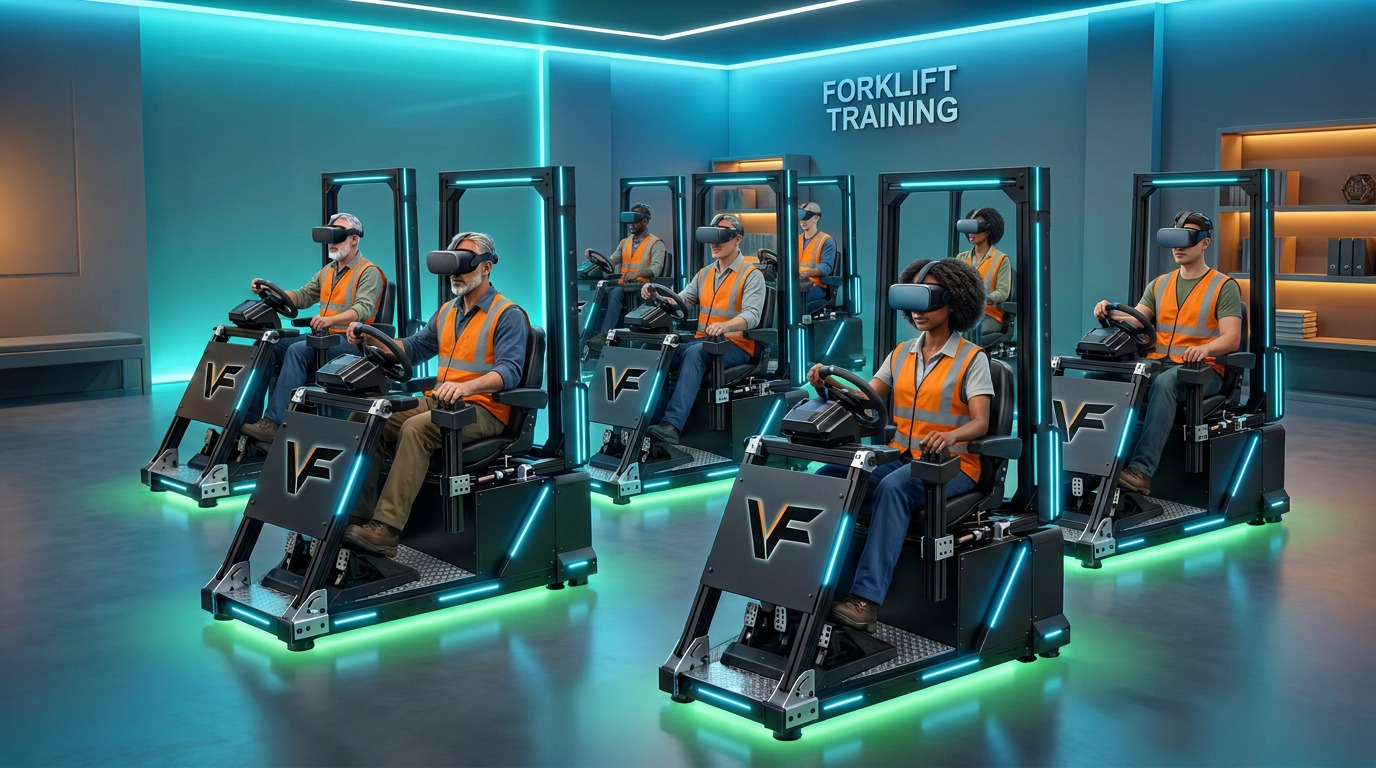
Bring instructors and operators together in an interactive live environment. NEXUS LIVE supports multiple users and multiple lift types driving together—ideal for simulating real work situations and saving interactive training procedures.
- Meta headsetsVR for every LIVE session
- Basic computerFor the driving setup
- Both platformsFold N Go / Classroom Standard
WHAT NEXUS LIVE DOES
Train together. In real time.
Train together
Bring multiple users into the same interactive live environment to practice teamwork, coordination and real work situations.
Drive multiple lift types
Practice with multiple lift types in shared scenarios, with instructors guiding operators and providing immediate feedback.
Save training procedures
Create and save interactive training procedures so teams can return to the situations and tasks that matter to their work.
THE NEXUS LIVE SETUP
Practical hardware.
Connected instruction.
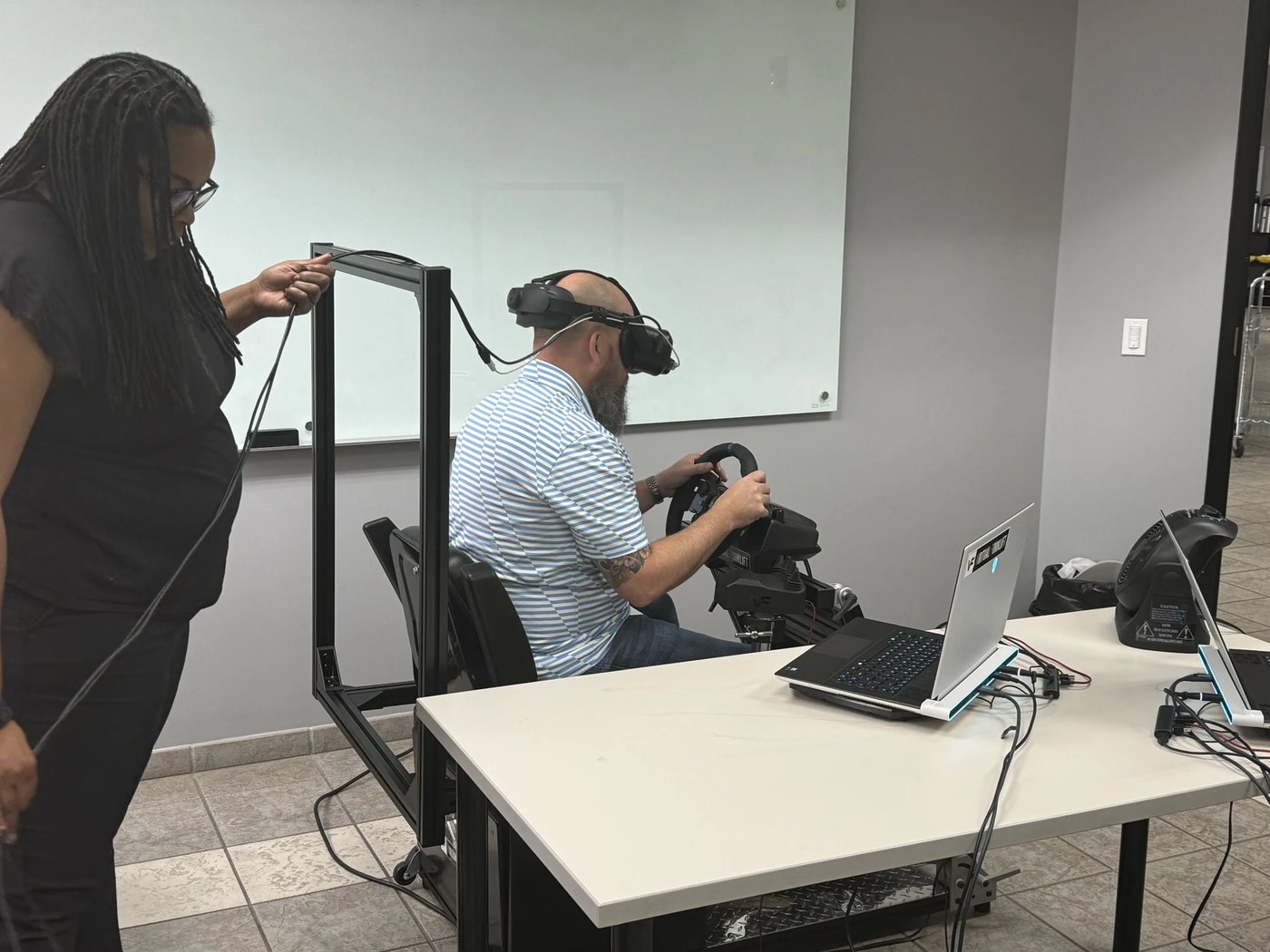
NEXUS LIVE runs with Meta headsets and a basic computer for the driving setup. Combine multi-user participation with multiple lift types in one interactive live environment to practice real work situations and save interactive training procedures for future sessions.
Choose Fold N Go for mobile deployment or Classroom Standard for a dedicated training space. Either platform works with the same setup.
RUNS ON EITHER PLATFORM
Fold N Go or Classroom Standard.
- Fold N GoPortable. Packs into its own travel case.
- Classroom StandardA dedicated station that stays set up.
NEXUS LIVE / ENVIRONMENT IN DEVELOPMENT
Bring the tasks together.
Train as a team.
NEXUS LIVE is the coming multi-user, multi-lift environment. Its planned task areas bring individual training skills into shared work scenarios. Final task availability will be confirmed with the release.
SHARED WAREHOUSE
Racking and product movement
Coordinate pallet placement, retrieval and movement while students see and work alongside other drivers. Instructors can assign tasks and guide the work as it happens.
DOCK & TRAILER TASKS
Loading and unloading together
Use shared dock and trailer areas for instructor-led loading, unloading and staging scenarios, combining different lift types in one working environment.
PLANNED A-FRAME AREA
From the yard into the warehouse
The development plan includes an outside ramp connected to the expanded warehouse so drivers can pick up A-frames and move them inside. This extends the load-handling theme of the MHSA module into collaborative practice.
PLANNED ATTACHMENTS & LOADS
More realistic work assignments
The planned environment brings lift types, attachments and load-handling areas together. Final attachment availability will follow completed development and the licensed configuration.
INSTRUCTOR-LED PRACTICE
Build and save work scenarios
Guide each student through assigned tasks while other drivers work nearby. Save interactive training procedures for repeatable team sessions and real-work simulations.
PRODUCT FAMILY
Explore the individual module pathways
The completed NEXUS introductions cover racking, loading, unloading and A-frame handling. NEXUS+ adds stand-up variants and configurable training paths; NEXUS LIVE brings the work into a shared environment.
NEXUS LIVE remains in development. The environment, supported tasks and release availability will be confirmed before ordering.
WATCH NEXUS LIVE
See connected instruction in action.
Virtual Forklift Simulator
NEXUS LIVE simulator demo
See the connected NEXUS LIVE training experience.
Watch on YouTube ↗Forklift University
NEXUS LIVE: interactive training
Explore NEXUS LIVE with Forklift University.
Watch on YouTube ↗YOUR NEXT TRAINING ADVANTAGE